Pipedrive Setup
Last updated 03/24/2026
To connect your app and website to your Pipedrive account, you will need your API key and your Organization URL, which you can get by following these steps:
- Log in to your Pipedrive Account
- At the top right, click on your user account icon, then click Personal Preferences.
- Select the API tab.
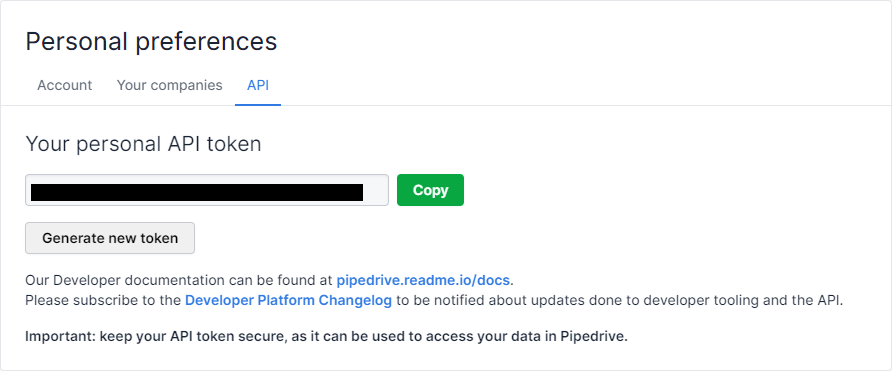
- Copy this key in order to use it when creating your Bread & Butter Pipedrive Integration in the next steps.
- Your Organization URL is your Pipedrive company URL, eg: https://[yourcompany].pipedrive.com. Log in to Pipedrive, and check your browser’s address bar to find the URL to use for the next steps in Bread & Butter. Make sure that you don’t include a trailing slash.